
Contract Review
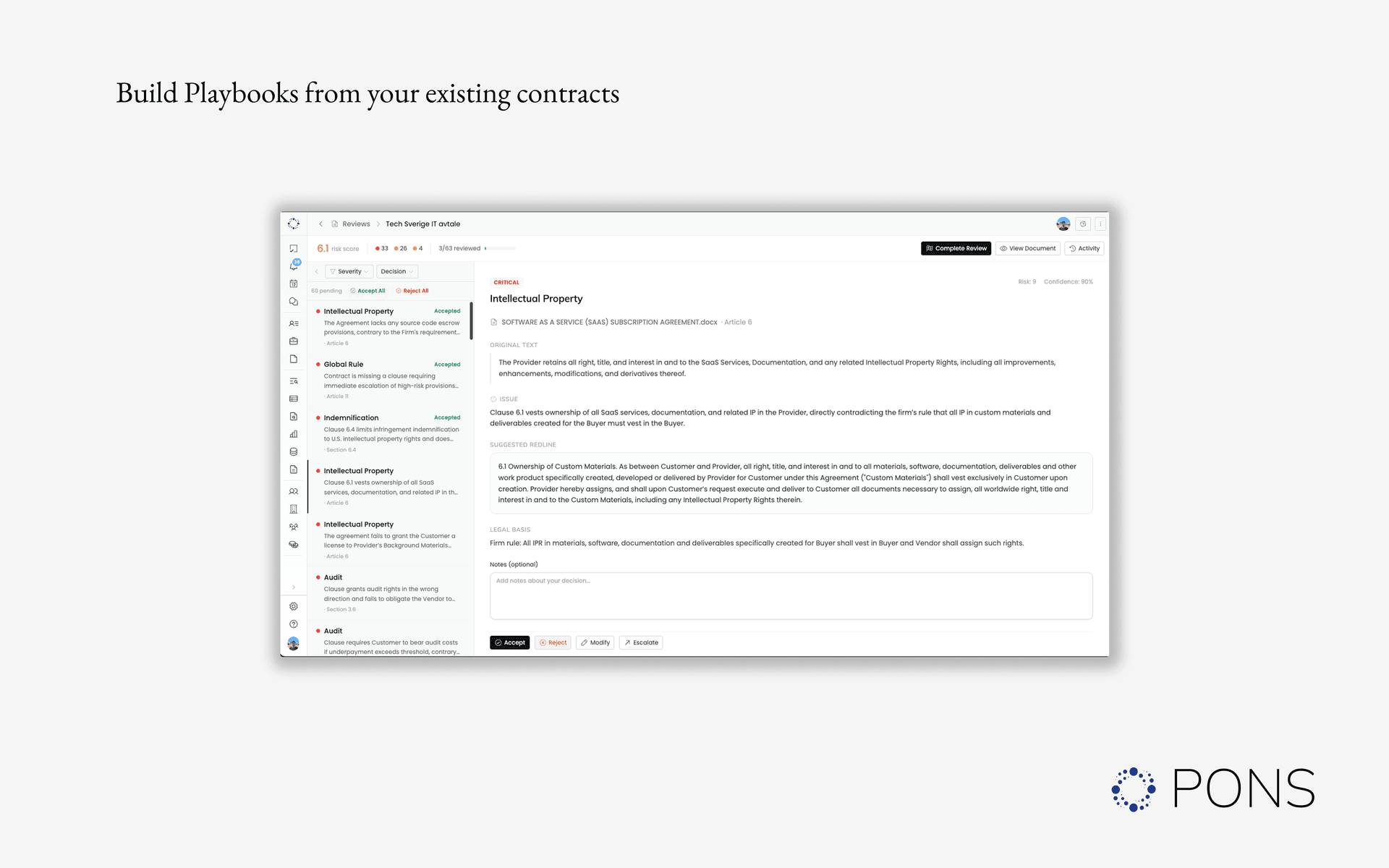
Define your review rules in a playbook: what is acceptable, what is a risk, what must be flagged. Upload a contract and PONS reviews it clause-by-clause against your playbook. Accept findings and download a redline Word document with tracked changes, ready to send to counterparties.
How consistent contract review works
Define your standards once, then review every contract against them automatically.
Build Your Playbook
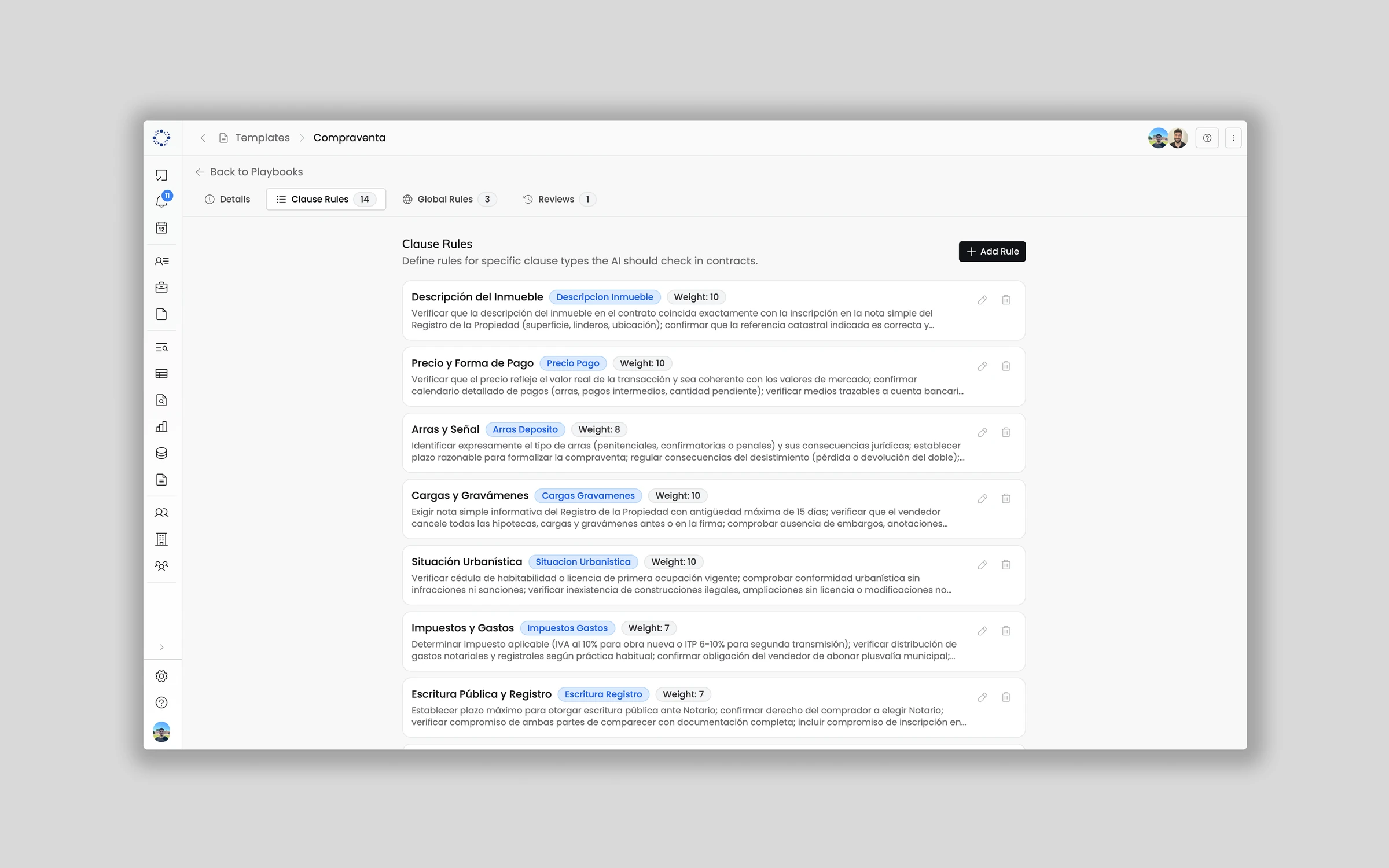
Define rules for each clause type
A playbook is a set of rules for how each clause type should be evaluated. For each clause, you define: what language is acceptable, what constitutes a risk, and what should be flagged as non-compliant. You can create playbooks manually or upload an existing playbook document and let PONS extract the rules automatically.
Upload and Review
Upload a contract and PONS applies your playbook
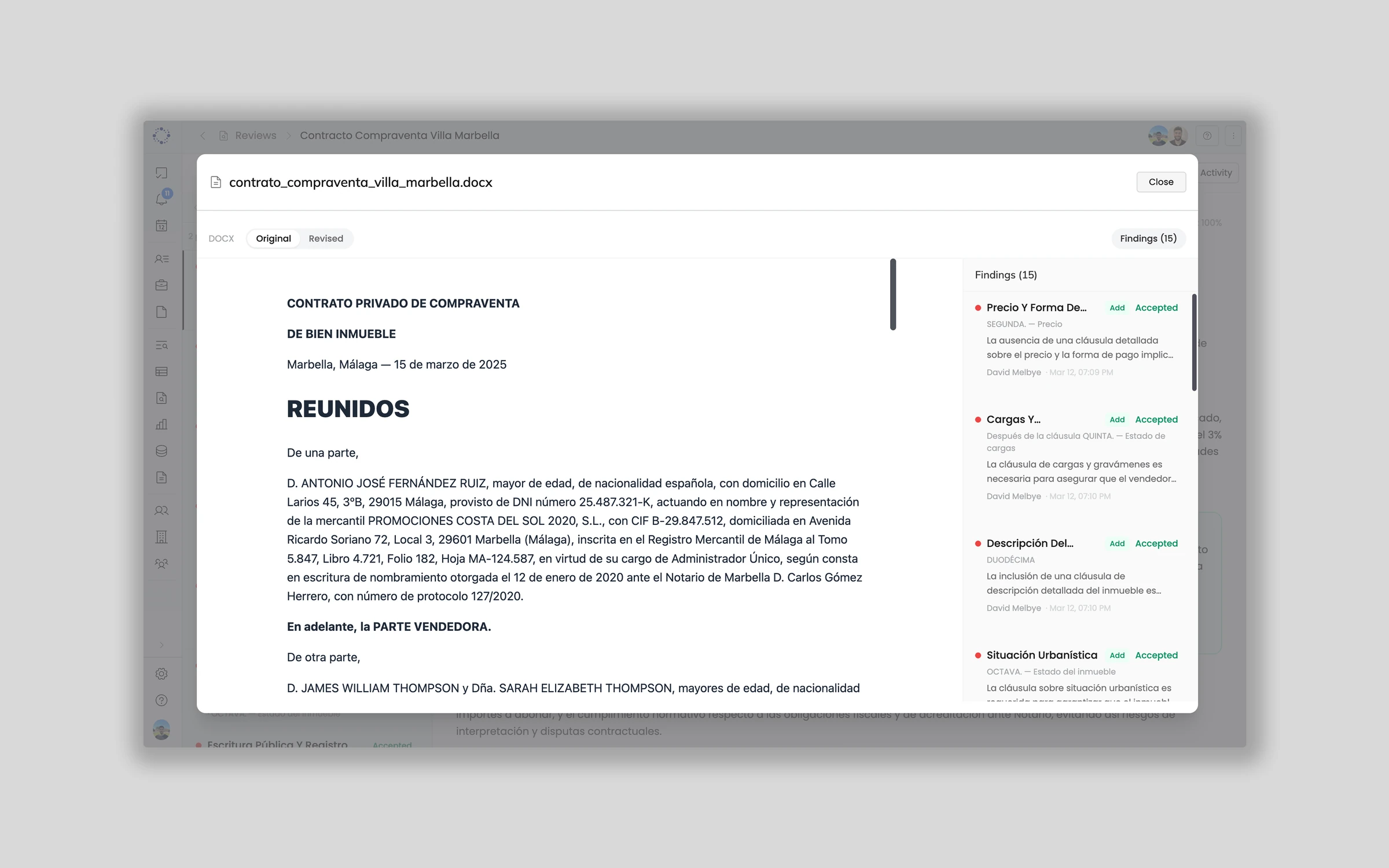
Upload a contract in PDF or Word format. PONS identifies each clause, matches it to the corresponding playbook rule, and evaluates compliance. The review runs automatically. You see results as each clause is processed.
Review Findings
Each finding shows risk level, clause text, and playbook rule
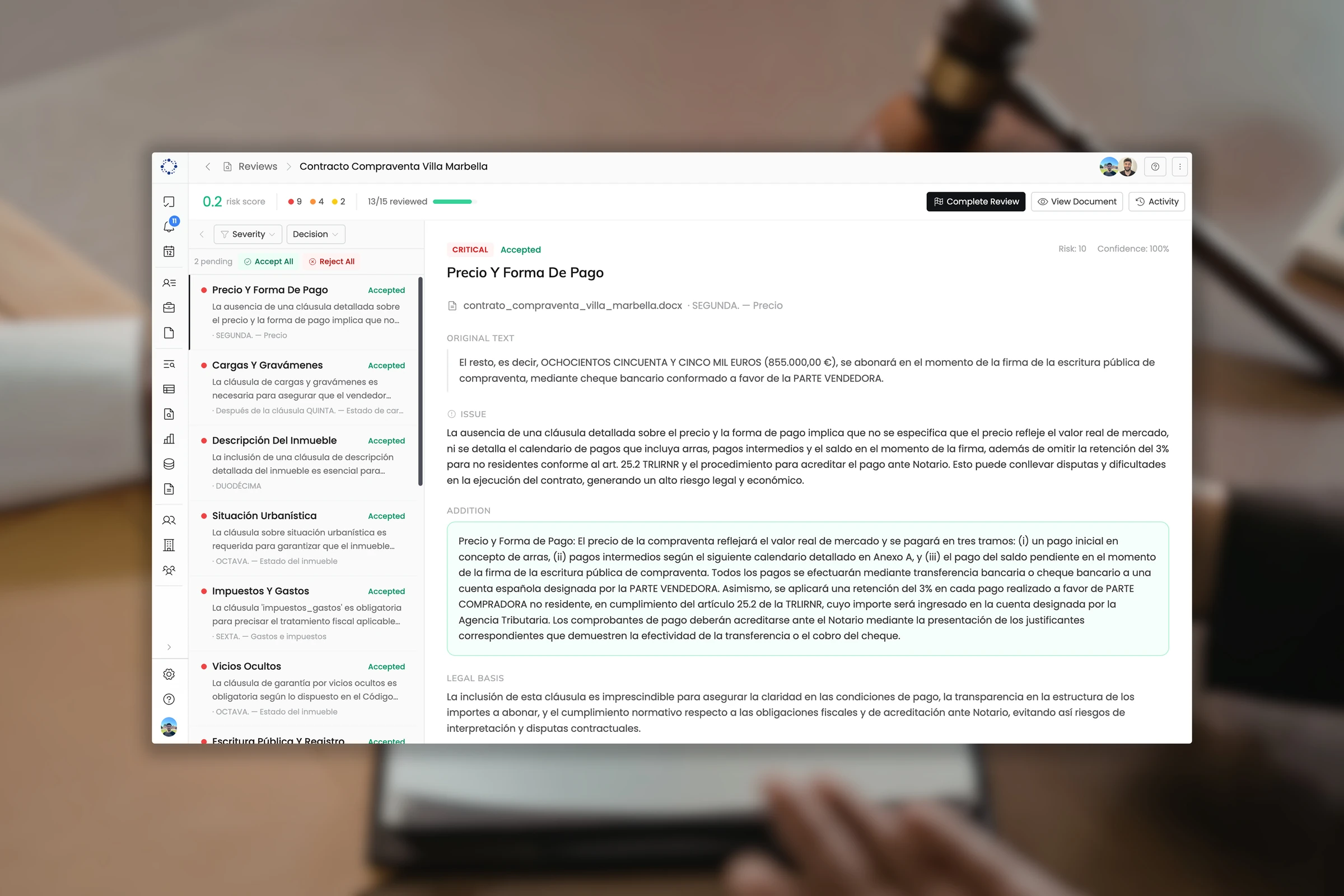
Findings are listed clause by clause. Each finding includes the risk severity (critical, major, or minor), the exact clause text from the contract, the playbook rule it was evaluated against, and a plain-language explanation of the issue. You can filter by risk level and export a summary report.
Redline and Export
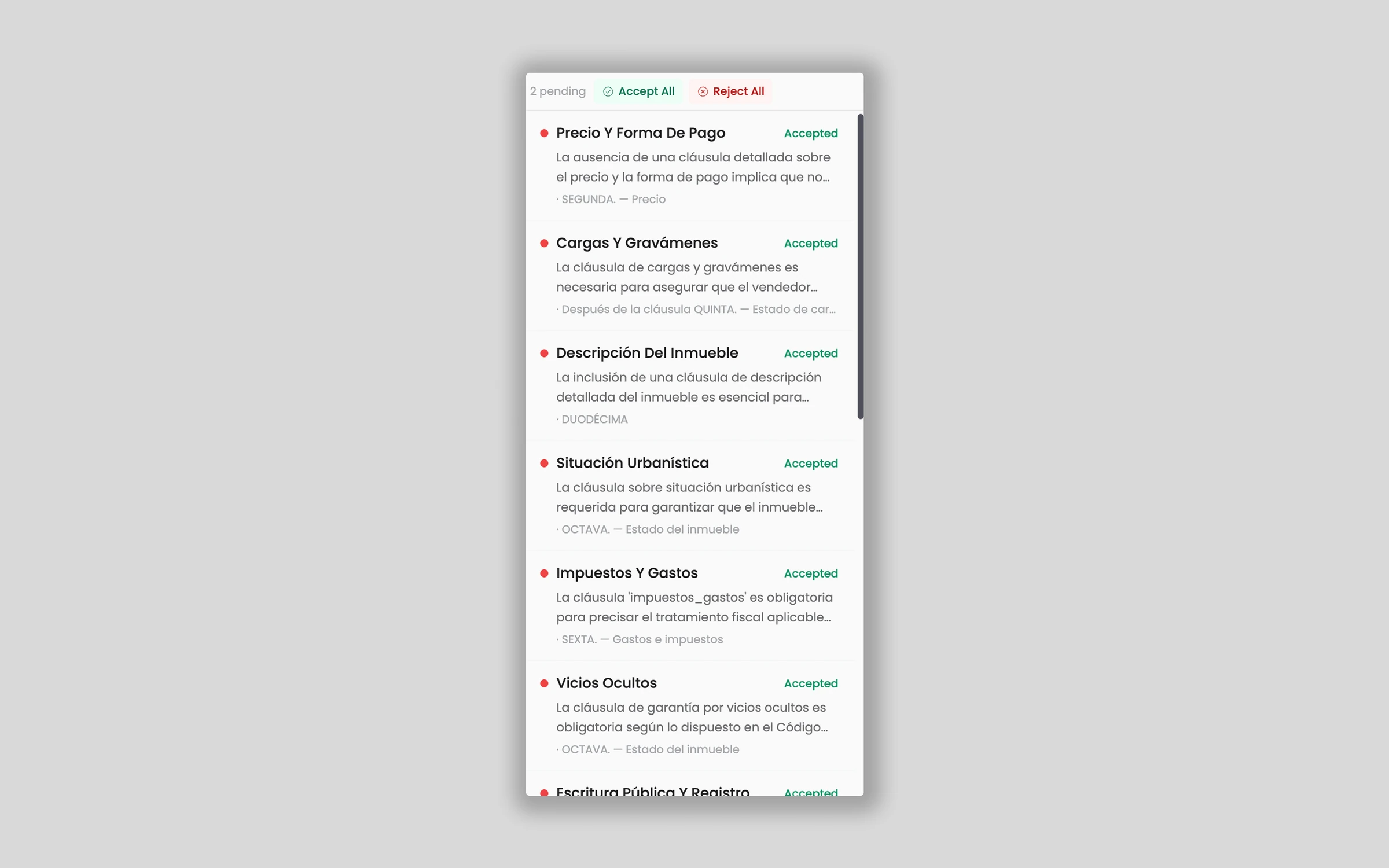
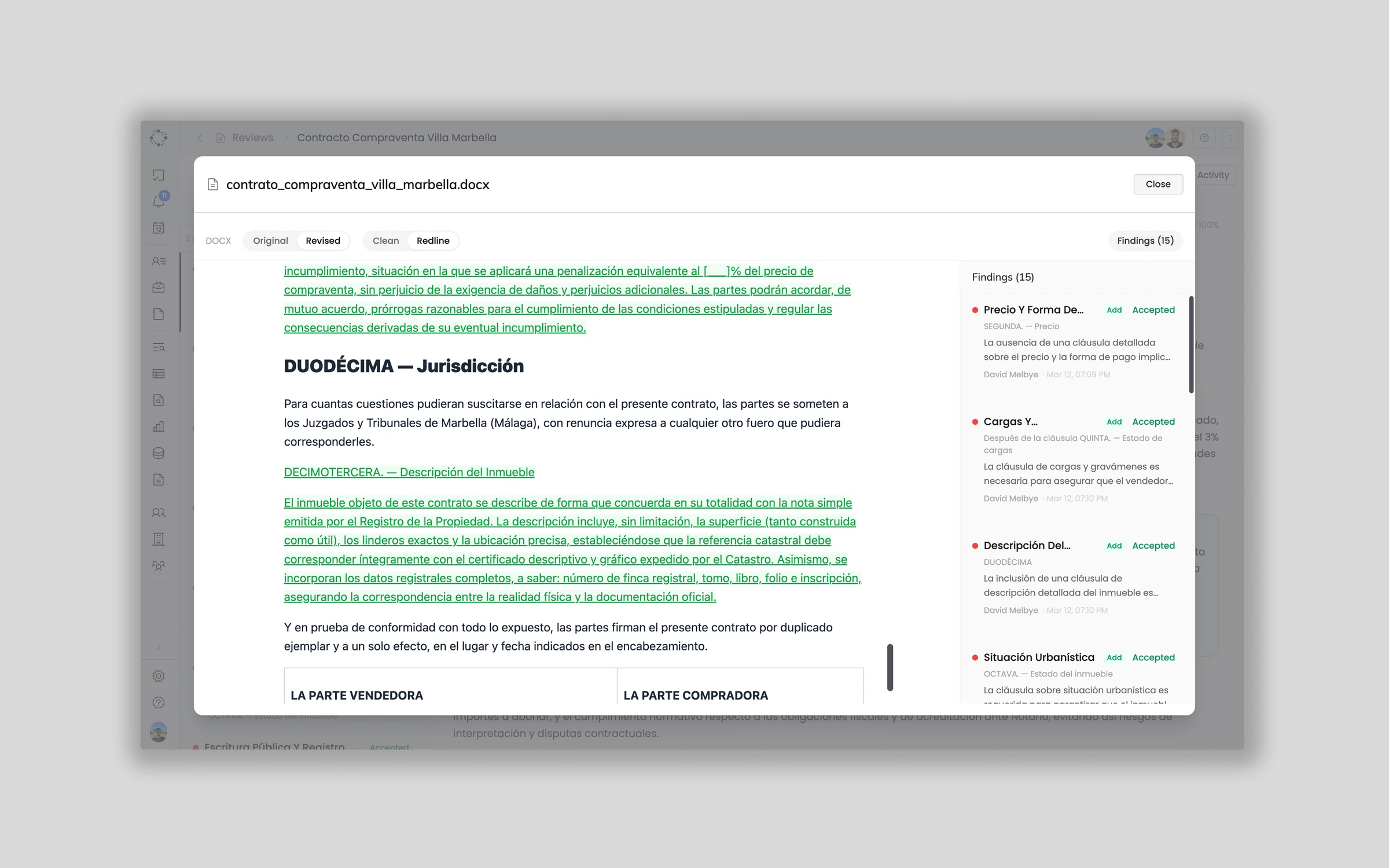
Generate a revised document with all accepted changes applied
Accept or modify findings, then download the revised contract as a Word document. Choose a clean version with all changes applied, or a redline version with tracked changes showing original text struck through and new language highlighted. The output is compatible with standard Word review workflows, ready to send to counterparties.
See consistent contract review in action
See how playbook-driven contract review works in practice.